

Hiding Page Headers and Footers Before Printing
Last updated:
Some users choose to hide page headers and footers to improve content clarity, keep the focus on the main data, or avoid printing unnecessary information.
Hiding Page Headers and Footers Before Printing
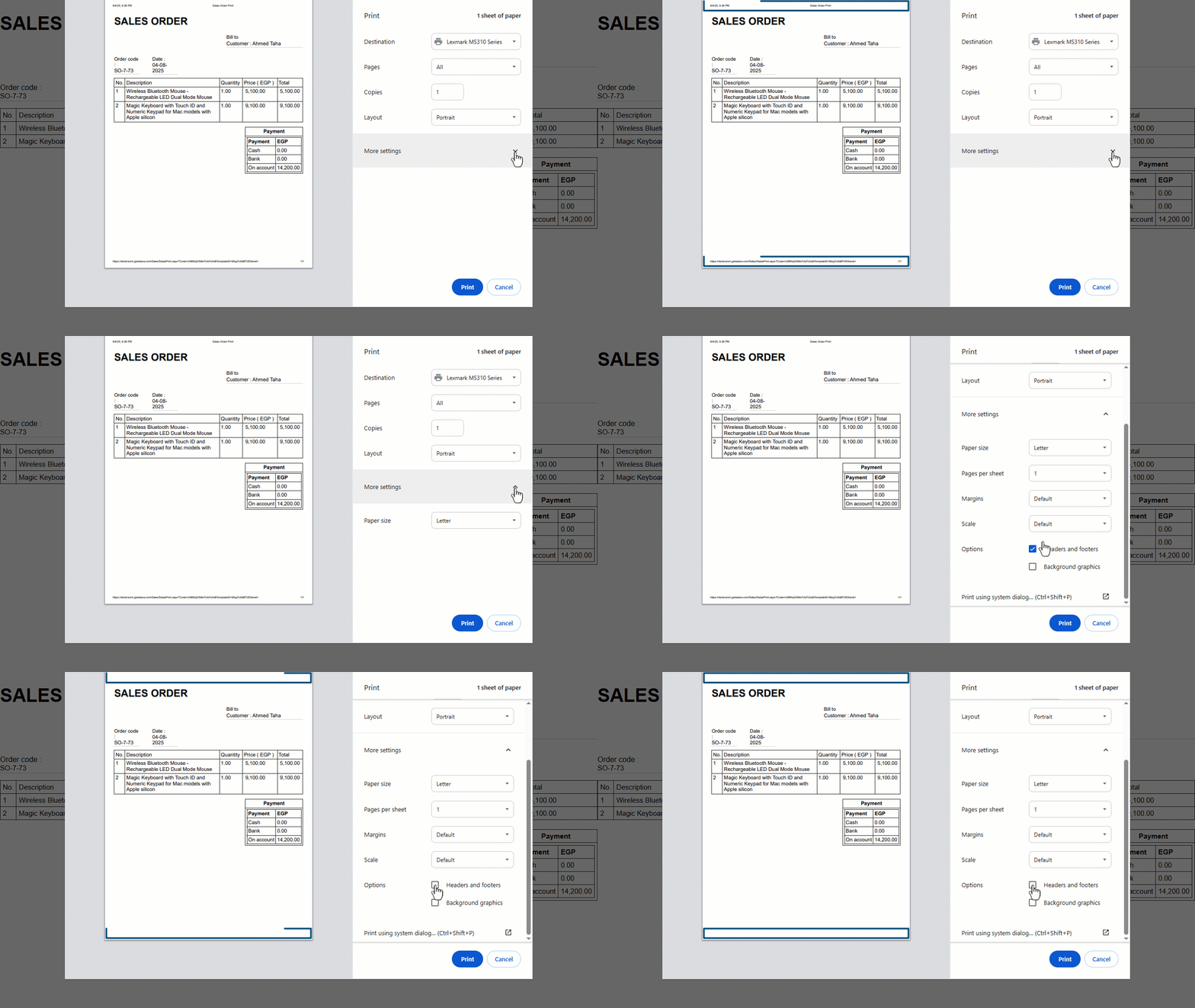
Right before printing, follow these steps:
- Click on “More Settings”.
- Uncheck the “Headers and Footers” option.
If you encounter any challenges or have questions during these processes, you can contact our technical support team, who are ready to assist you at any time.
Did this answer your question?