

Downloading Invoices (Tax - Simplified)
Last updated:
In “Edara”, we provide the option to view both tax invoices and simplified tax invoices in detail. This allows you to review their data—such as customer name, invoice number, and more—and ensure their accuracy before sending them to the authority.
Downloading Invoices (Tax - Simplified)
- Go to Data.
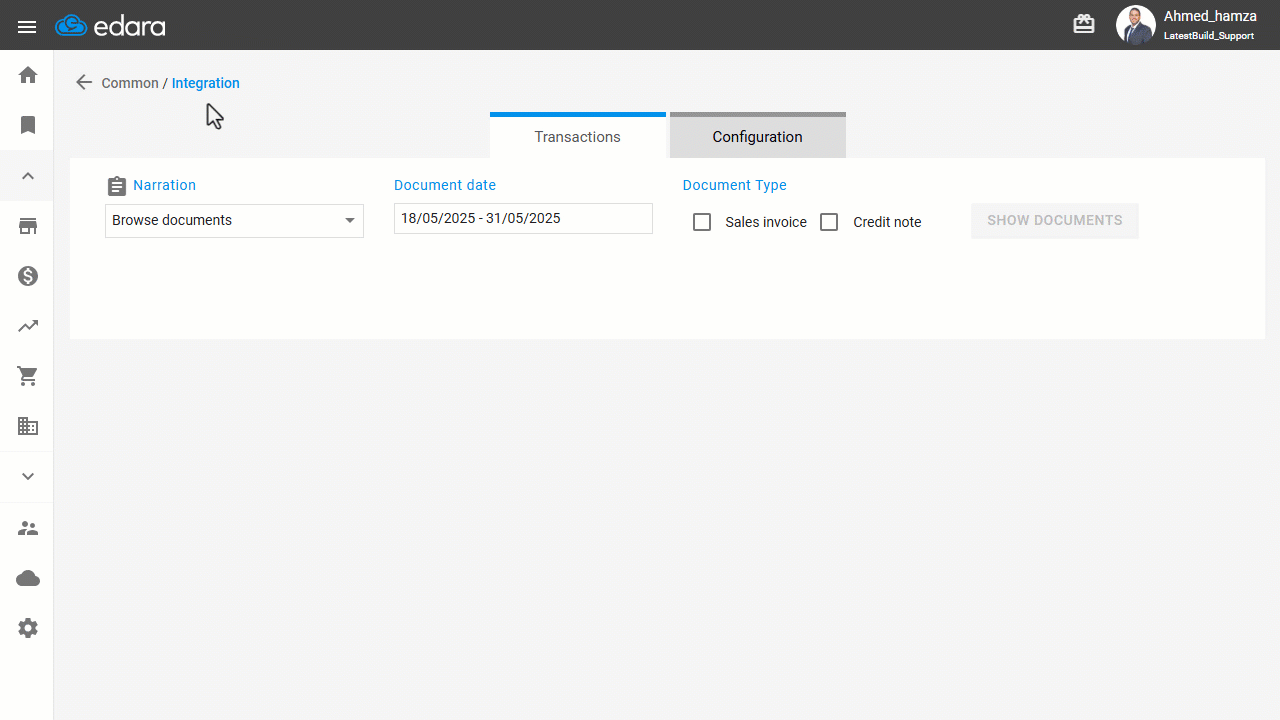
- Open the “Integration” page.
- Navigate to the "Integration with Fatoora platform" section.
- Select the purpose as "Download Document".
- Choose the document date required in the "transactions" section.
- Select the type of document required (Sales Invoice or Credit Note).
- Click on "Show Documents".
- Click on “
 ” to download the documents in XML format easily.
If you encounter any challenges or have questions during these processes, you can contact our technical support team, who are ready to assist you at any time.
Did this answer your question?