

Installing “Edara” on "Salla" Platform
Last updated:
If you manage your store on “Salla” platform and want to streamline your business operations, you can integrate “Edara” with your “Salla” store to manage your inventory, sales, and finances all from one place.
Installing “Edara” on "Salla" Platform
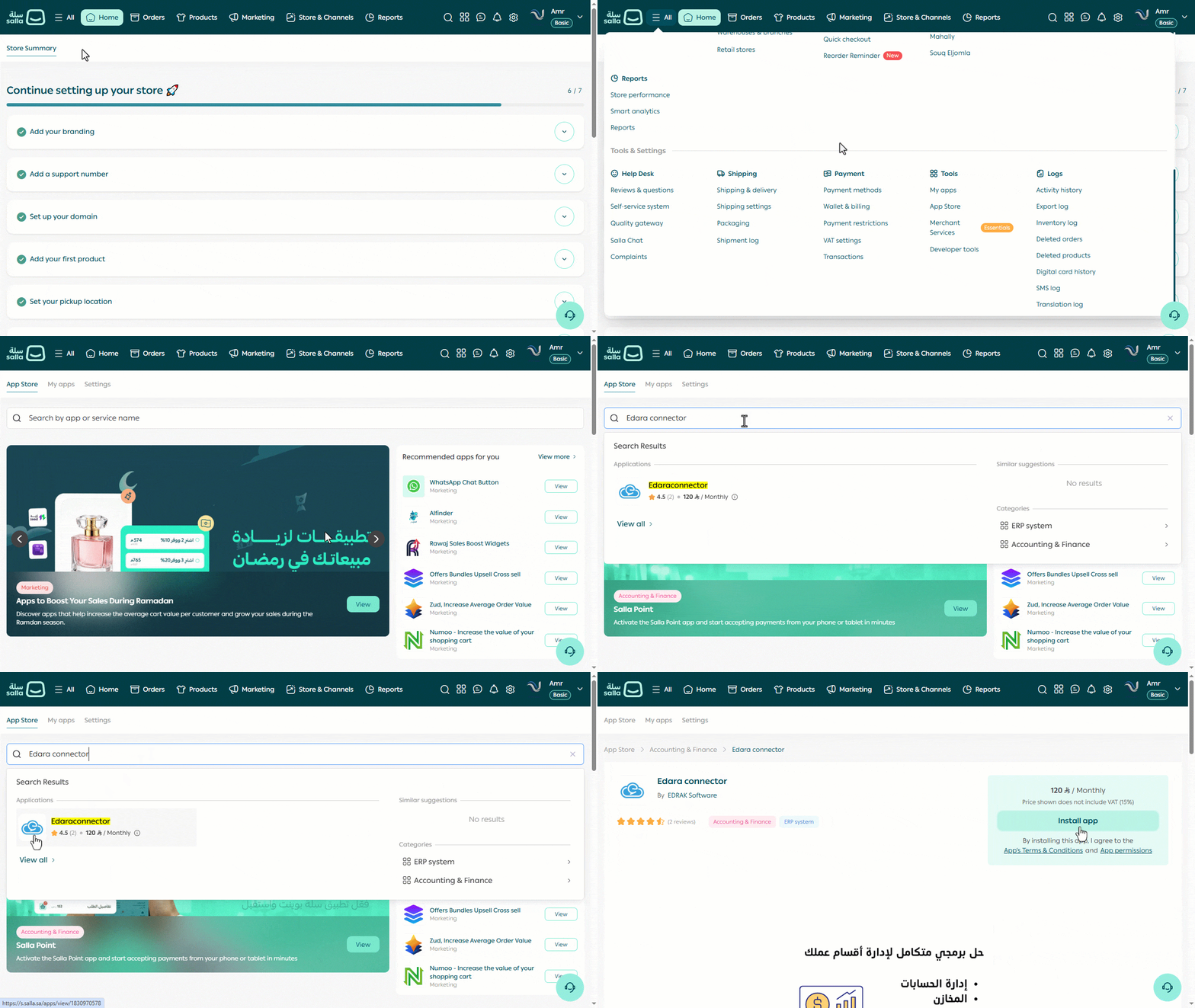
- Open your store on “Salla”.
- Click on "All".
- Open the "App Store" page.
- Search for the “Edara Connector” app.
- Open the app page.
- Click on “Install App”.
- Complete the payment details.
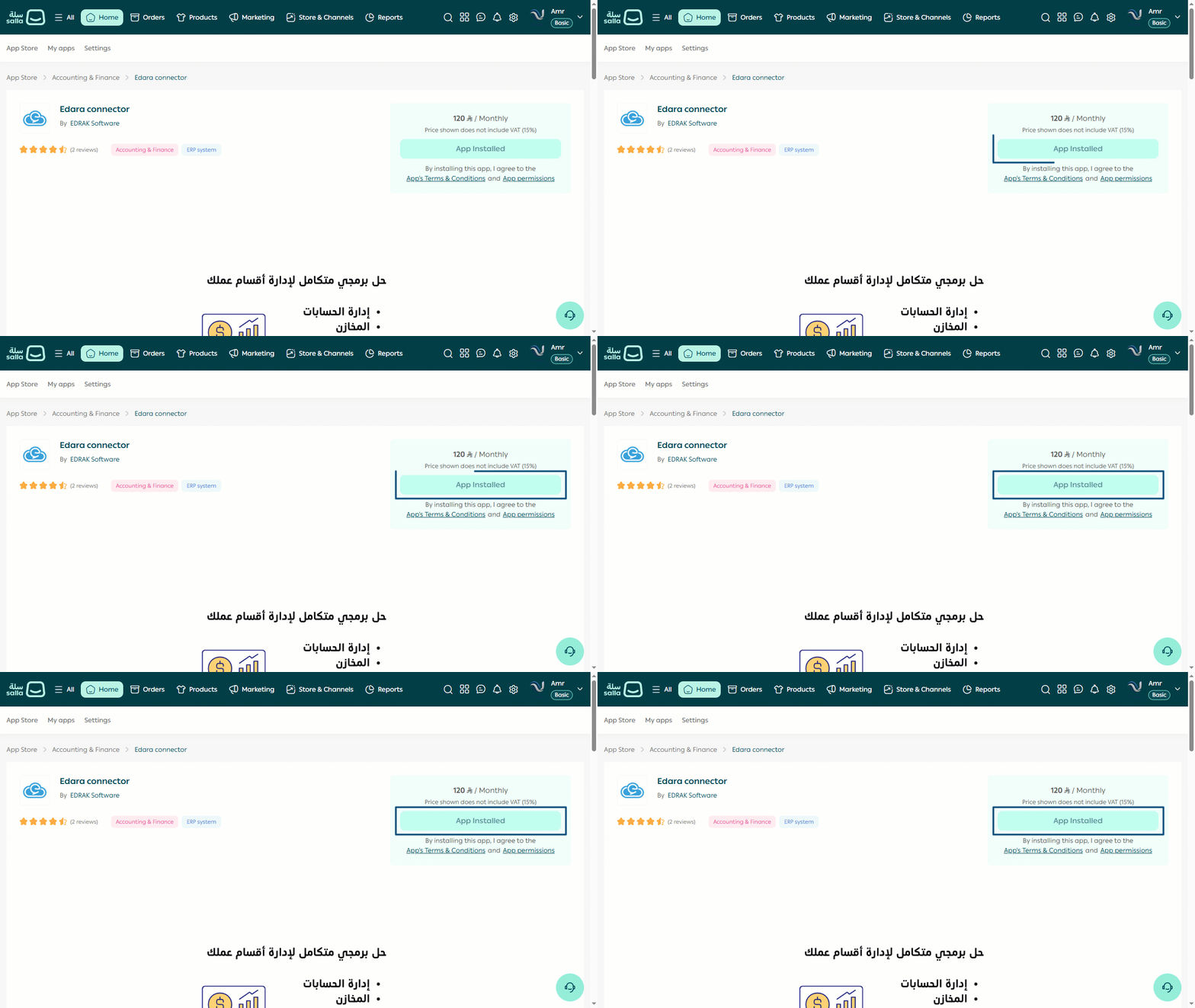
After confirming the payment and approving the required permissions, “Edara” app will be successfully installed on your store.
If you encounter any challenges or have questions during these processes, you can contact our technical support team, who are ready to assist you at any time.
Did this answer your question?