

Edara Shortcuts
Last updated:
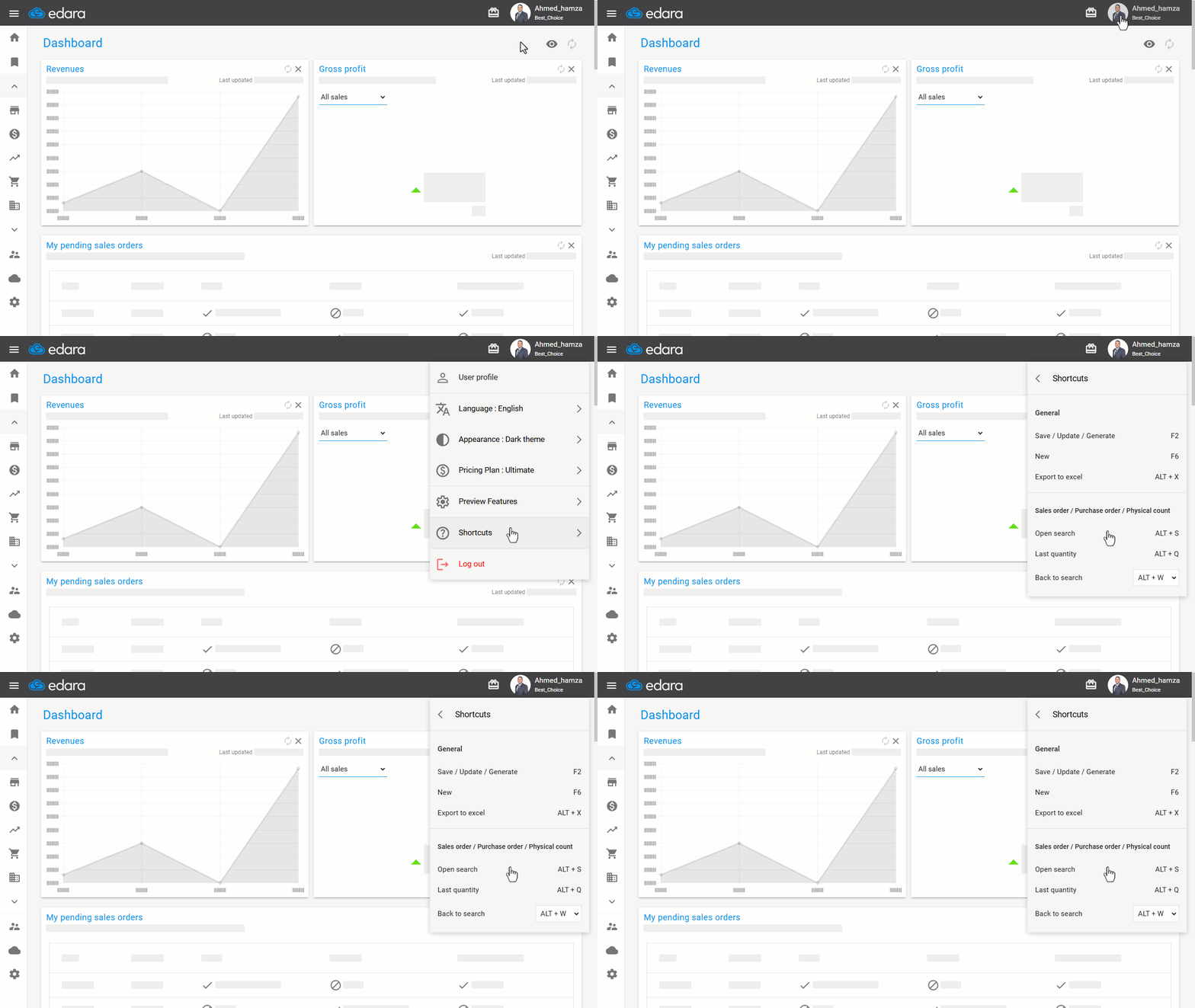
"Edara" offers a variety of shortcuts to streamline your workflow, saving time and effort.
Edara Shortcuts
- Go to the user information page by clicking on your profile picture or the “username”.
- Select "Shortcuts".
You will see a comprehensive list of all keyboard shortcuts available, including general shortcuts and those specific to certain pages or reports.
If you encounter any challenges or have questions during these processes, you can contact our technical support team, who are ready to assist you at any time.
Did this answer your question?