

Activating a Service Item
Last updated:
In some cases, companies temporarily deactivate a service but may need to reactivate it later. For example, a company might suspend delivery services during a certain period and then reactivate them when they wish to resume.
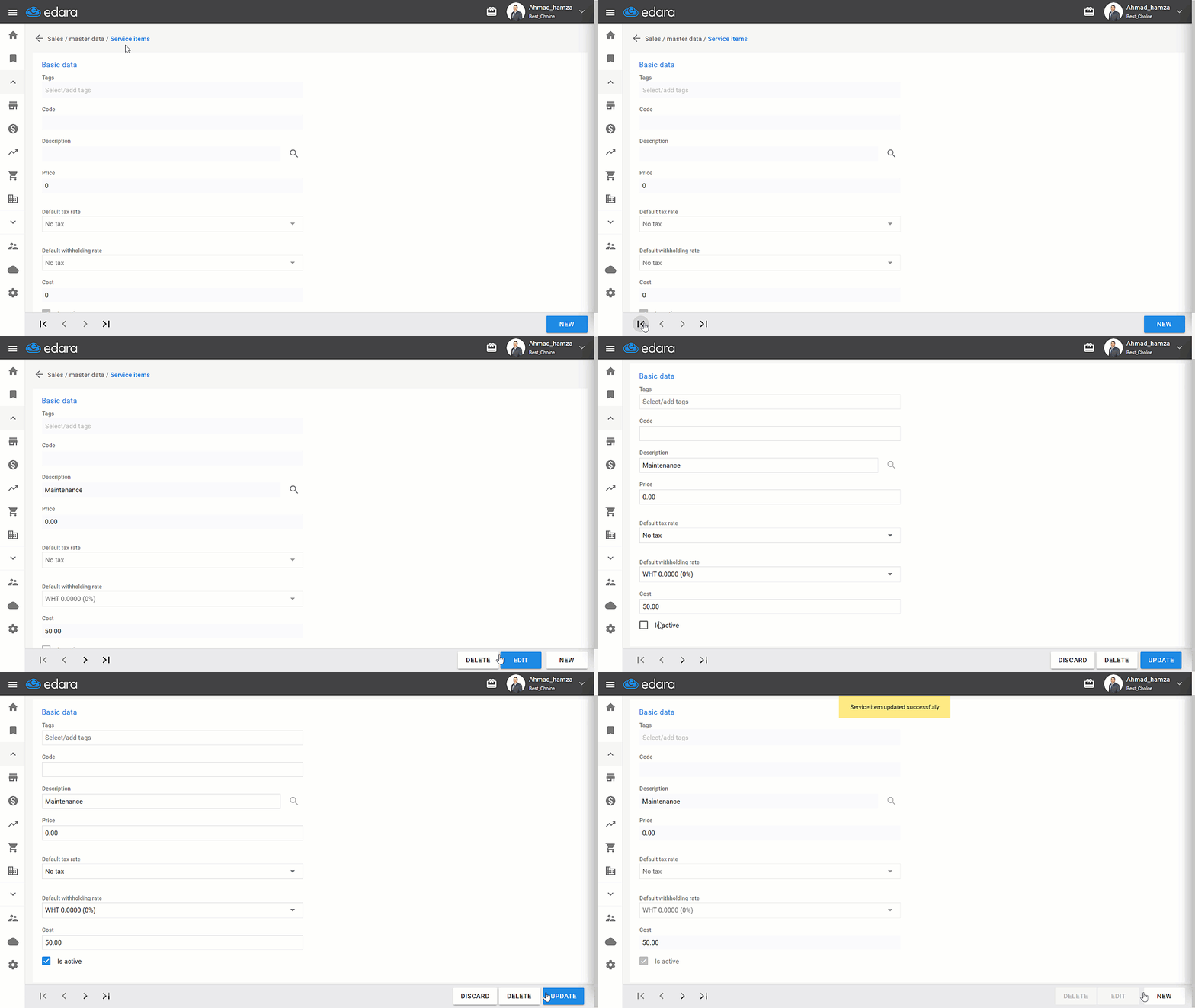
Activating a Service Item
- Go to the Sales module
- Select the “Service Item”
- Search for the service using the arrows.
- Click on “Edit.”
- Activate the “Is active” at the bottom of the page.
- Click “Update.”
If you encounter any challenges or have questions during these processes, you can contact our technical support team, who are ready to assist you at any time.
Did this answer your question?