

Approving a Purchase Return
Last updated:
Approving purchase returns helps you review and complete transactions accurately.
Approving a Purchase Return
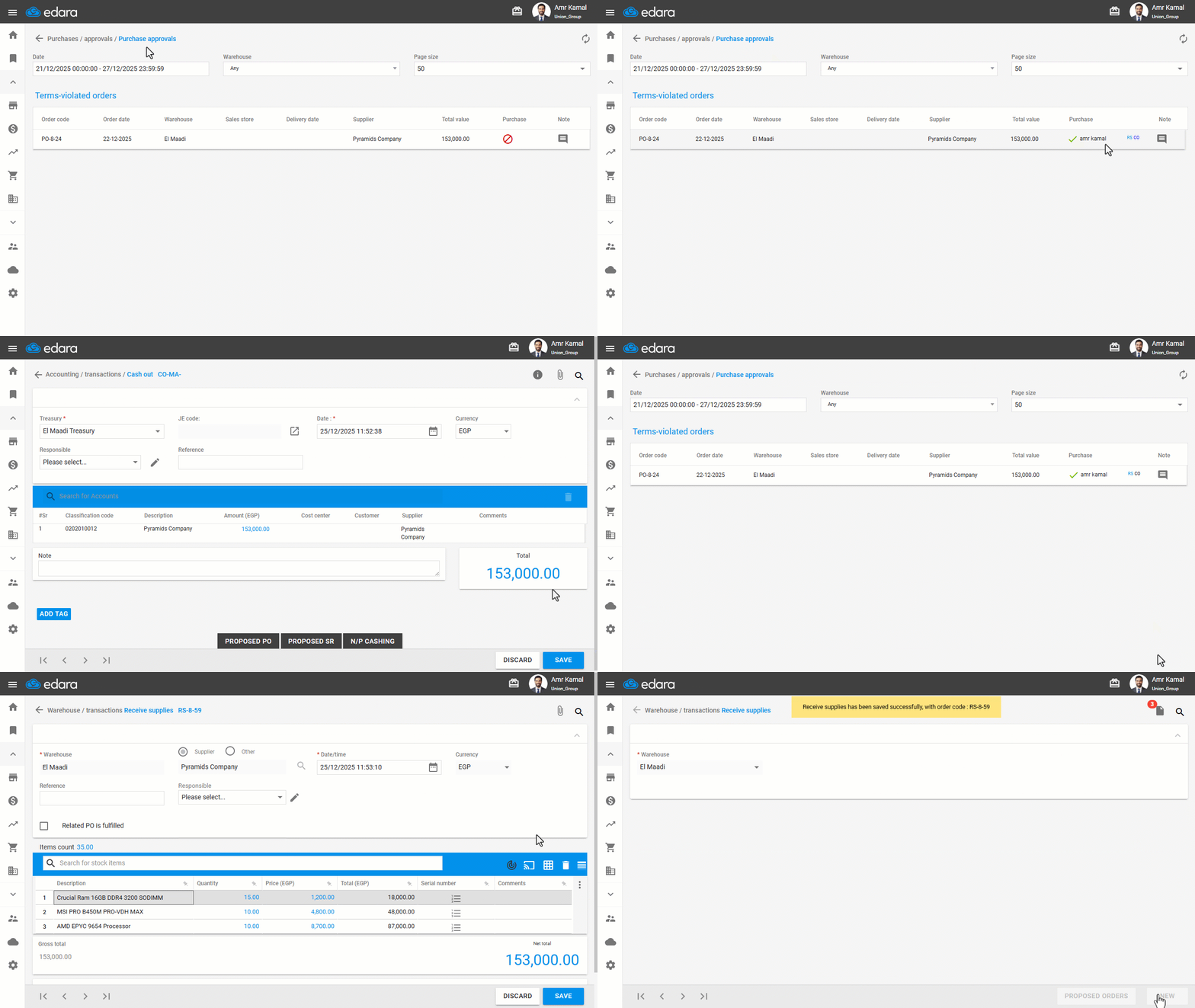
- Go to the “Purchase” module.
- Open the “Purchase returns approvals” page.
- Click on “🚫” to approve the selected purchase return.
- Save the associated documents (Cash Receipt or Purchase Return documents).
If you encounter any challenges or have questions during these processes, you can contact our technical support team, who are ready to assist you at any time.
Did this answer your question?