

Viewing Online Users on Edara
Last updated:
Keeping track of the users currently online on “Edara” is essential for better management and control.
Viewing Online Users on Edara
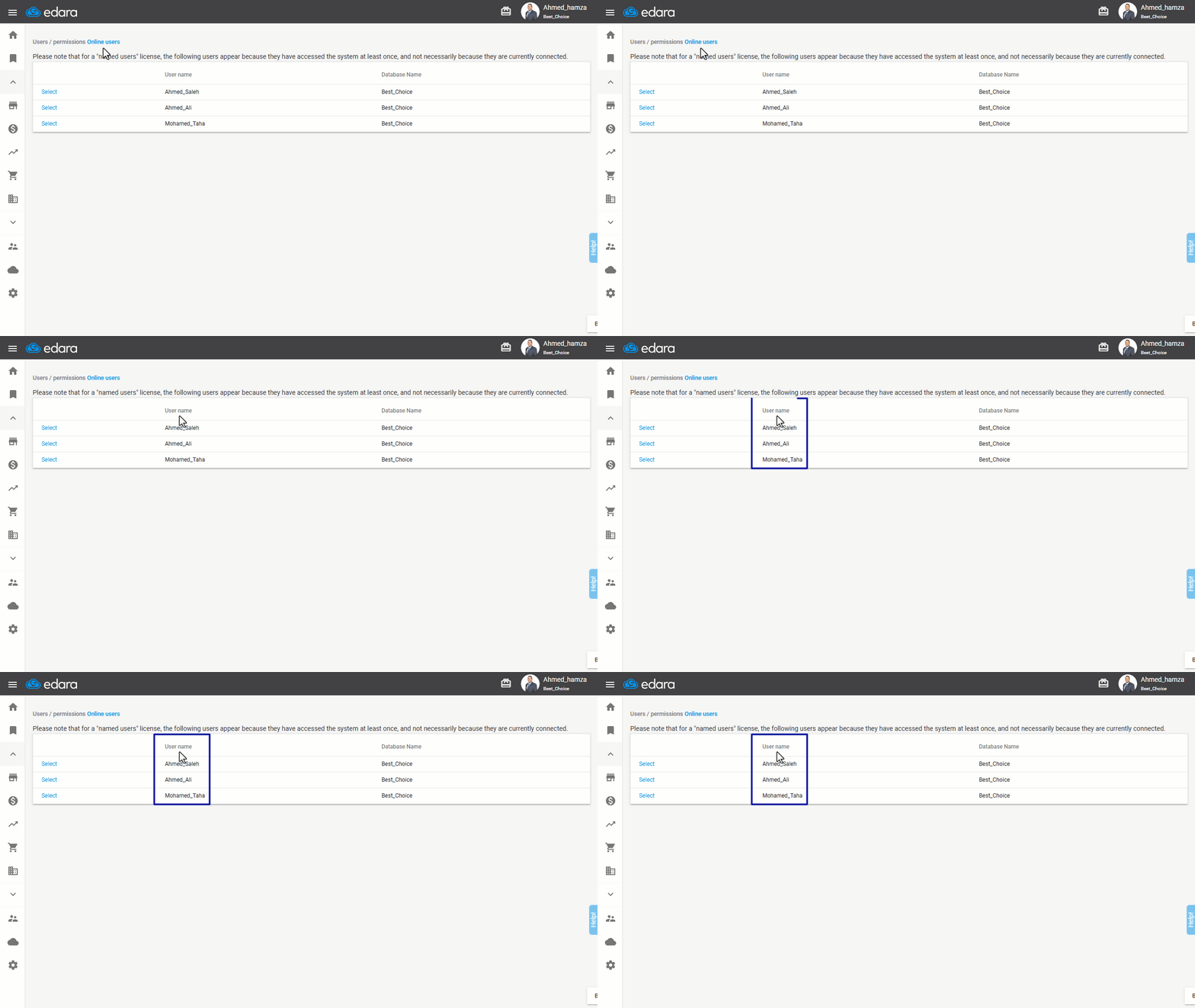
- Go to Users.
- Click on “Online Users”.
Note: For "Named Users" licensing, the displayed users include those who have logged into “Edara” at least once, not necessarily those currently online.
From this page, you can see all users currently online.
Frequently asked questions
Does a user on this page mean they are connected right now?
For "Named Users" licensing, the displayed users include those who have logged into “Edara” at least once, not necessarily those currently online.
If you encounter any challenges or have questions during these processes, you can contact our technical support team, who are ready to assist you at any time.
Did this answer your question?